


Disc Menu
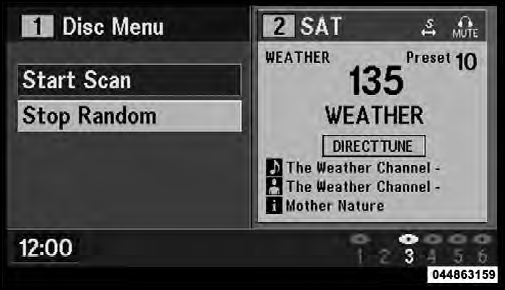
Disc Menu For CDs
When listening to a CD Audio or CD Data disc, pressing the remote control’s MENU button displays a list of all commands which control playback of the disc. Using the options you can activate or cancel Scan play and Random play.
See also:
Remote Unlock Sequence
When Unlock Driver Door Only On 1st Press is selected,
only the driver’s door will unlock on the first press of the
RKE transmitter UNLOCK button. When Driver Door 1st
Press is selected, you m ...
Add Names To Your Uconnect™ Phonebook
NOTE: Adding names to the Uconnect™ Phonebook is
recommended when the vehicle is not in motion.
• Press the button to begin.
• After the “Ready” prompt and the following beep, say
“ ...
Child Restraints
Everyone in your vehicle needs to be buckled up at all times, including babies
and children. Every state in the United States and all Canadian provinces require
that small children ride in proper ...