


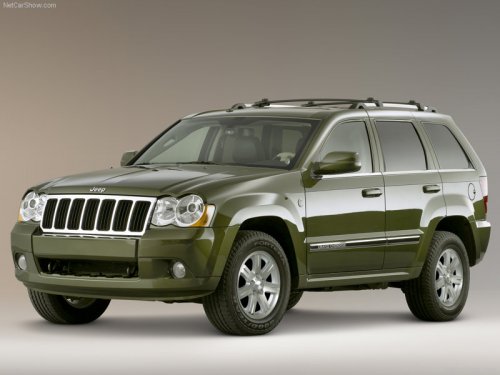
Jeep Grand Cherokee
Jeep Grand Cherokee
See also:
Interior
The Liberty seats five occupants. It has a 65/35-split rear seat that can be
folded down with one hand. The door panels consist of a series of arcs.
Round-dialed instruments with black-on-beige gr ...
Fluid Leaks
Check area under vehicle after overnight parking for fuel,
engine coolant, oil, or other fluid leaks. Also, if gasoline
fumes are detected or if fuel, power steering fluid, or
brake fluid leaks ...
Disc
To switch to the disc mode, say “Disc”. In this mode, you
may say the following commands:
• “Track” (#) (to change the track)
• “Next Track” (to play the next track)
• “Pre ...