


Parksense Display
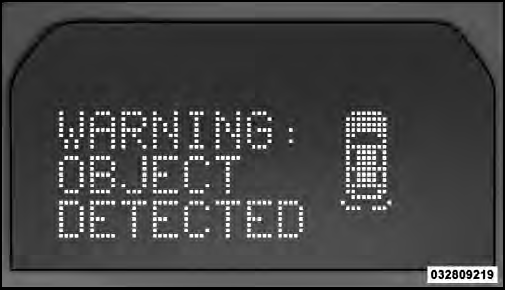
When the vehicle is in REVERSE, the warning display will turn ON indicating the system status.
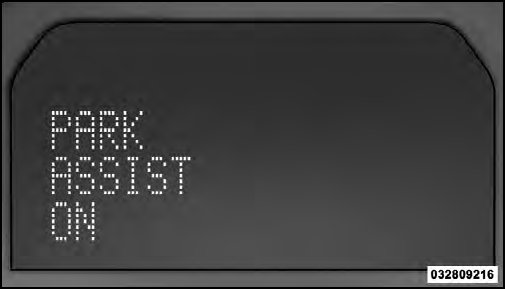
Park Assist System ON
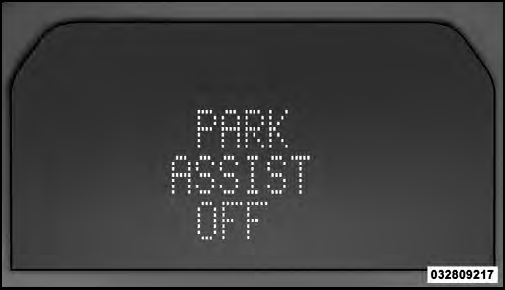
Park Assist System OFF
The system will indicate a detected obstacle by showing three solid arcs and will produce a one-half second tone.
As the vehicle moves closer to the object the EVIC display will show fewer arcs and the sound tone will change from slow, to fast, to continuous.
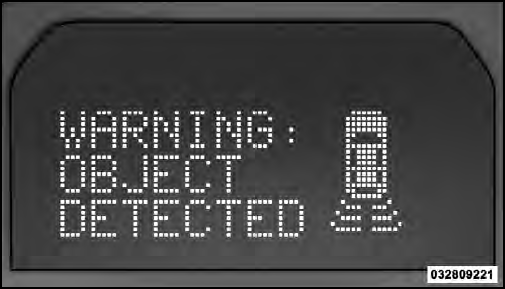
Slow Tone
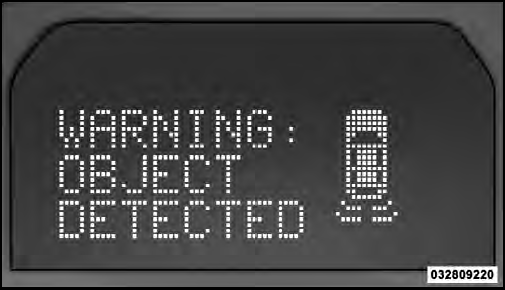 Fast Tone
Continuous Tone
The vehicle is close to the obstacle when the EVIC display shows one flashing arc and sounds a continuous tone.
The following chart shows the warning alert operation when the system is detecting an obstacle:
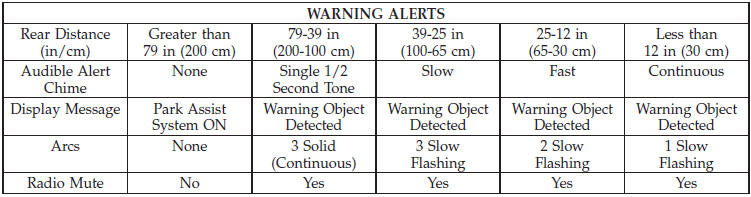
NOTE: ParkSense will MUTE the radio, if on, when the system is sounding an audio tone.
See also:
Transfer Case Position Indicator Lights
The four-wheel drive indicator lights (4WD and 4 LOW)
are located in the instrument cluster. The NEUTRAL
indicator light is located on the transfer case switch. If
there is no indicator light on ...
Engine Block Heater — If Equipped
The engine block heater warms the engine, and permits
quicker starts in cold weather. Connect the cord to a
standard 110-115 Volt AC electrical outlet with a
grounded three-wire extension cord.
...
Windshield Washers
To use the washer, pull the windshield wiper/washer
control lever toward you and hold it for as long as
washer spray is desired (for a maximum of 10 seconds).
If you activate the washer while the ...