


Multifunction Lever
The multifunction lever on the left side of the steering column controls the operation of the headlights, parking lights, turn signal lights, instrument panel lights, instrument panel light dimming, interior lights and fog lights (if equipped).
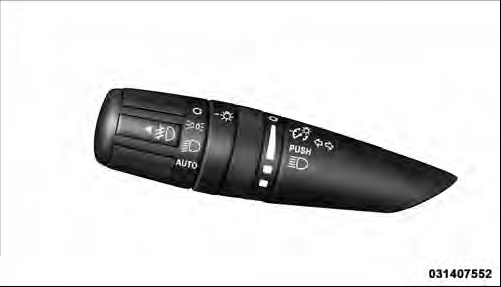
Multifunction Lever
See also:
Design
The new 2011 Jeep Compass has a distinct family resemblance to the all-new,
premium 2011 Jeep Grand Cherokee.
With a new hood, new front fenders, new fascia and new headlamps as well as a
new gr ...
Operating Tips
NOTE: Refer to the chart at the end of this section for
suggested control settings for various weather conditions. ...
Engine Oil Filter
The engine oil filter should be replaced with a new filter
at every oil change.
Engine Oil Filter Selection
The manufacturer’s engines have a full-flow type disposable
oil filter. Use a filter ...