


Parksense Display
When the vehicle is in REVERSE, the warning display will turn ON indicating the system status.
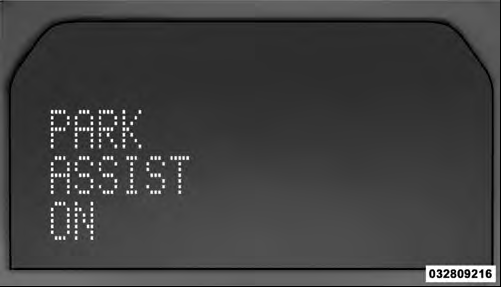
Park Assist ON
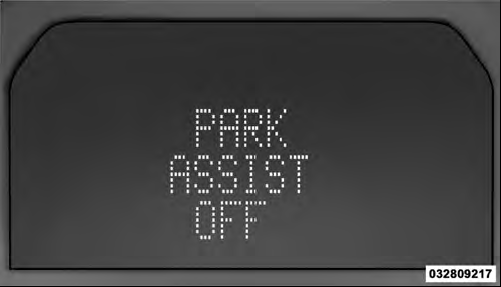
Park Assist Off
The system will indicate a detected obstacle by showing three solid arcs and will produce a one-half second tone.
As the vehicle moves closer to the object the EVIC display will show fewer arcs and the sound tone will change from slow, to fast, to continuous.
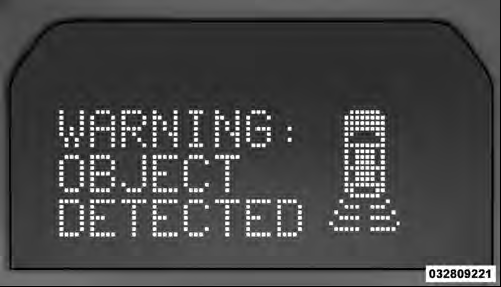
Slow Tone
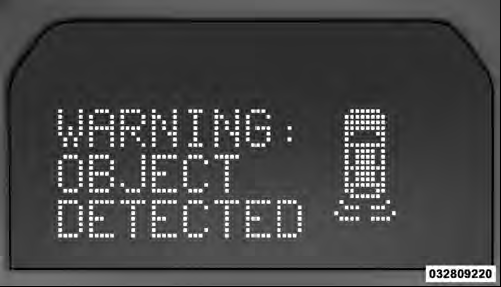
Fast Tone
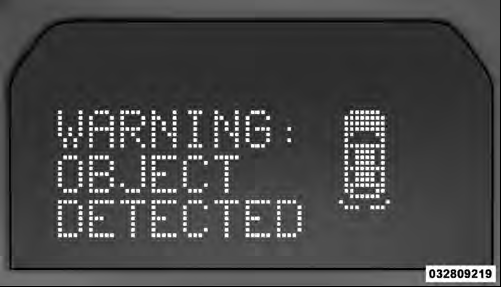
Continuous Tone
The vehicle is close to the obstacle when the EVIC display shows one flashing arc and sounds a continuous tone.
The following chart shows the warning alert operation when the system is detecting an obstacle:
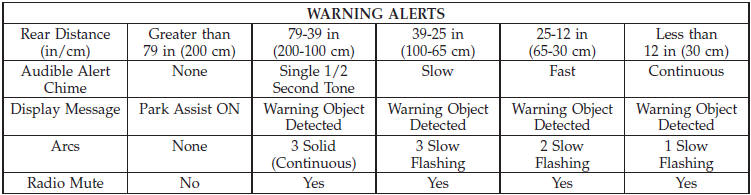
NOTE: ParkSense will MUTE the radio, if on, when the system is sounding an audio tone.
See also:
Cooling System – Drain, Flush, And Refill
If the engine coolant (antifreeze) is dirty and contains a
considerable amount of sediment, clean and flush with
reliable cooling system cleaner. Follow with a thorough
rinsing to remove all dep ...
Electronic Brake Control System
Your vehicle is equipped with an advanced electronic brake control system that
includes Anti-Lock Brake System (ABS), Traction Control System (TCS), Brake Assist
System (BAS), Hill Start Assist (H ...
Window Fogging
Windows will fog on the inside when the humidity inside
the vehicle is high. This often occurs in mild or cool
temperatures when it’s rainy or humid. In most cases,
turning the air conditionin ...