


Front Storage Compartment
The front storage compartment (located on the left side of the instrument panel) can hold cell phones, PDAs, and other small items.
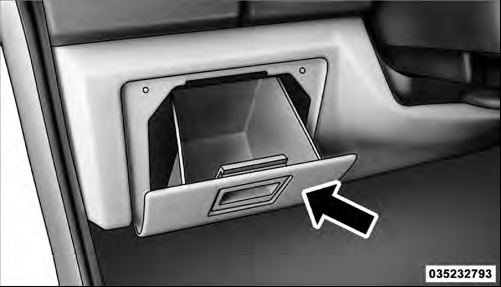 |Front Storage Compartment
See also:
To Disable A RKE Transmitter Linked To Memory
1. Turn the ignition switch to the LOCK position, and
remove the key.
2. Press and release MEMORY button number 1. The
system will recall any memory settings stored in position
1. Wait for the ...
Keyless Enter-N-Go Display — If Equipped
When the ENGINE START/STOP button is pressed to
change ignition switch positions, the Keyless Enter-N-Go
icon momentarily appears in the lower right corner of the
EVIC display showing the new ig ...
Clock Setting Procedure
1. Press and hold the TIME button until the hours blink.
2. Adjust the hours by turning the right side TUNE/ SCROLL control knob.
3. After adjusting the hours, press the right side TUNE/ SCROLL cont ...