


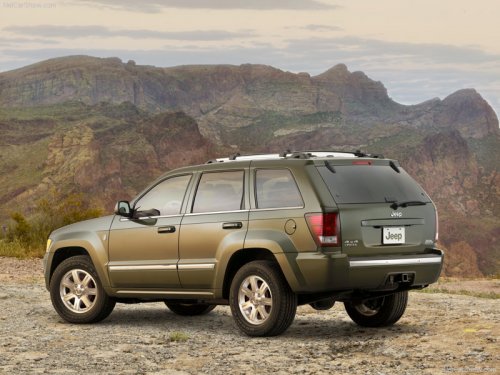
Jeep Grand Cherokee
Jeep Grand Cherokee
See also:
Operation Instructions - Auxiliary Mode
The auxiliary (AUX) jack is an audio input jack, which
allows the user to plug in a portable device, such as an
MP3 player, or cassette player, and utilize the vehicle’s
audio system to amplif ...
Rear Window Defroster
The rear window defroster button is located on the
climate control (Mode) knob. Press this button to
turn on the rear window defroster and the heated outside
mirrors. An indicator in the butto ...
Engine Oil Filter
The engine oil filter should be replaced with a new filter at every engine oil
change.
Engine Oil Filter Selection
All of the manufacturer’s engines have a full-flow type disposable oil filter. ...