


Front Map/Reading Lights
The front map/reading lights are mounted in the overhead console.
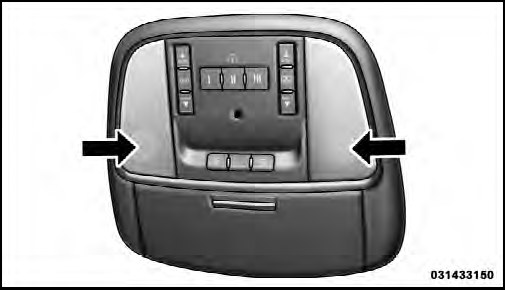
Front Map/Reading Lights
Each light can be turned on by pressing a switch on either side of the console. These buttons are backlit for night time visibility. To turn the lights off, press the switch a second time. The lights will also turn on when the UNLOCK button on the Remote Keyless Entry (RKE) is pressed.
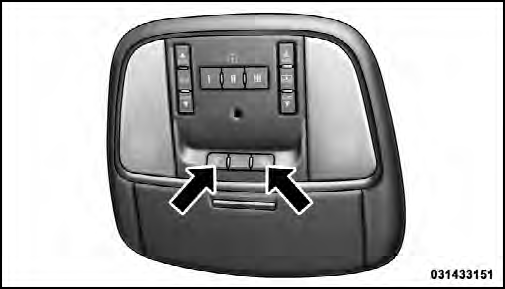
Front Map/Reading Light Switches
See also:
General Information
This system complies with Part 15 of the FCC Operation
is subject to the following two conditions:
1. This device may not cause harmful interference.
2. This device must accept any interference r ...
Radio Operation And Mobile Phones
Under certain conditions, the mobile phone being on in
your vehicle can cause erratic or noisy performance from
your radio. This condition may be lessened or eliminated
by relocating the mobile ...
SENSE AND STYLE
Family Friendly (Not Really, Fair, Great, Excellent): Great (for older kids)
Fun-Factor (None, Some, Good Times, Groove-On): Groove-On ...