


To Activate
Push and release the ON/OFF button. The ACC menu in the EVIC displays “Adaptive Cruise Ready.”
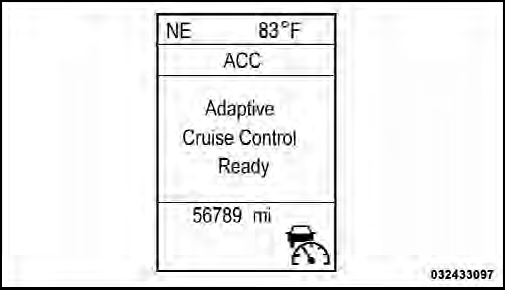
Adaptive Cruise Control Ready
To turn the system OFF, push and release the ON/OFF button again. At this time, the system will turn off and the EVIC will display “Adaptive Cruise Control Off.”
WARNING!
Leaving the Adaptive Cruise Control (ACC) system
on when not in use is dangerous. You could accidentally
set the system or cause it to go faster than you
want. You could lose control and have a collision.
Always leave the system off when you are not using it.
See also:
To Accelerate For Passing
Press the accelerator as you would normally. When the pedal is released, the
vehicle will return to the set speed.
Using Electronic Speed Control On Hills
The transmission may downshift on hills t ...
Connect Or Disconnect Link Between The Uconnect™ Phone And Mobile Phone
Your mobile phone can be paired with many different
electronic devices, but can only be actively “connected”
with one electronic device at a time.
If you would like to connect or disconnect t ...
Instrument Panel Features
1 — Air Outlet
2 — Instrument Cluster
3 — Radio
4 — Assist Handle
5 — Glove Compartment
6 — Power Window Switches
7 — Climate Controls
8 — Power Outlet
9 — Lower Switch Bank ...