


To Set A Desired ACC Speed
When the vehicle reaches the speed desired, push the SET - button and release. The EVIC will display the set speed.
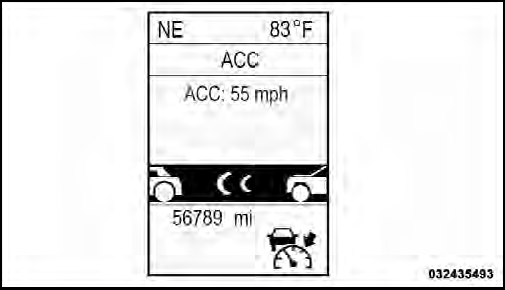
ACC Set
Remove your foot from the accelerator pedal. If you do not, the vehicle may continue to accelerate beyond the set speed. If this occurs:
• The message “DRIVER OVERRIDE” will display in the EVIC.
• The system will not be controlling the distance between your vehicle and the vehicle ahead. The vehicle speed will only be determined by the position of the accelerator pedal.
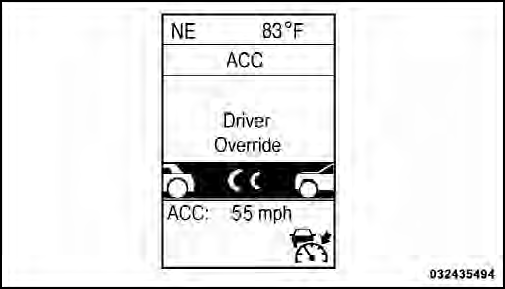
Driver Override
See also:
Operation
Voice commands can be used to operate the Uconnect™
Phone and to navigate through the Uconnect™ Phone
menu structure. Voice commands are required after most
Uconnect™ Phone prompts. You wi ...
Compass Display / ECO (Fuel Saver Mode) — If Equipped
The compass readings indicate the direction
the vehicle is facing. Press and release the
COMPASS button to display one of eight
compass headings, the outside temperature,
and audio informati ...
Dialing Using The Mobile Phone Keypad
You can dial a phone number with your mobile phone
keypad and still use the Uconnect™ Phone (while dialing
via the mobile phone keypad, the user must exercise
caution and take precautionary sa ...