


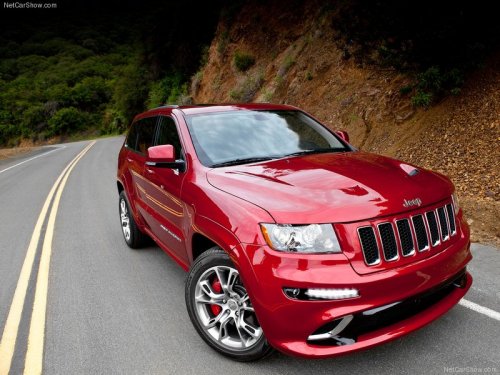
Jeep Grand Cherokee
Jeep Grand Cherokee
See also:
If A Deployment Occurs
The Advanced Front Air Bags are designed to deflate
immediately after deployment.
NOTE: Front and/or side air bags will not deploy in all
collisions. This does not mean something is wrong with
...
Ready Alert Braking – If Equipped
Ready Alert Braking may reduce the time required to
reach full braking during emergency braking situations.
It anticipates when an emergency braking situation may
occur by monitoring how fast the ...
Cleaning Plastic Instrument Cluster Lenses
The lenses in front of the instruments in this vehicle are molded in clear plastic.
When cleaning the lenses, care must be taken to avoid scratching the plastic.
1. Clean with a wet, soft rag. A mi ...