


To Activate
Push and release the ON/OFF button. The ACC menu in the EVIC displays “Adaptive Cruise Ready.”
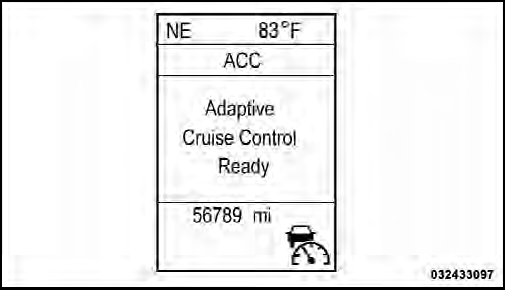
Adaptive Cruise Control Ready
To turn the system OFF, push and release the ON/OFF button again. At this time, the system will turn off and the EVIC will display “Adaptive Cruise Control Off.”
WARNING!
Leaving the Adaptive Cruise Control (ACC) system
on when not in use is dangerous. You could accidentally
set the system or cause it to go faster than you
want. You could lose control and have a collision.
Always leave the system off when you are not using it.
See also:
Cooling System – Drain, Flush, And Refill
If the engine coolant (antifreeze) is dirty or contains a
considerable amount of sediment, clean and flush with a
reliable cooling system cleaner. Follow with a thorough
rinsing to remove all de ...
Maintaining Your Air Bag System
WARNING!
• Modifications to any part of the air bag system
could cause it to fail when you need it. You could
be injured if the air bag system is not there to
protect you. Do not modify the ...
Rear License Lamp
1. Use a screw driver to gently pry against the side of the
snap tab to remove the license lamp lens.
2. Pull bulb from socket.
3. Replace bulb.
4. Reinstall lens. ...