


Disc Menu
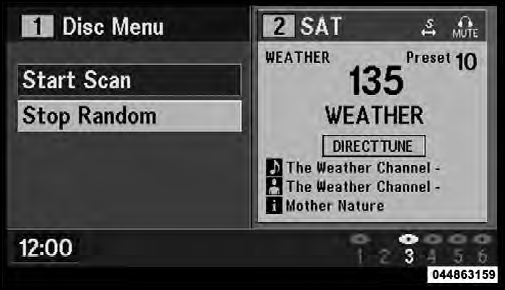
Disc Menu For CDs
When listening to a CD Audio or CD Data disc, pressing the remote control’s MENU button displays a list of all commands which control playback of the disc. Using the options you can activate or cancel Scan play and Random play.
See also:
Automatic Compass Calibration
This compass is self-calibrating, which eliminates the
need to manually reset the compass. When the vehicle is
new, the compass may appear erratic and the EVIC will
display CAL until the compass ...
Automatic Operation
The Automatic Temperature Control system automatically maintains the climate
in the cabin of the vehicle at the comfort levels desired by the driver and passenger.
Operation of the system is quite ...
Liftgate Flipper Glass
The liftgate flipper glass is also unlocked when the
liftgate is unlocked. To open the flipper glass, push up on
the window switch located on the liftgate.
NOTE: The liftgate flipper glass will n ...